
How to Search for a Clarendon County Warrant
A Clarendon County warrant search is a set of checks, not one statewide warrant roster. The Clarendon Public Index can point to a court case. The South Carolina ticket search can locate a traffic citation. The Sheriff’s Office has no public list located, so the issuing court remains the best place to confirm a specific bench or arrest-warrant status.
Have the full legal name, court or town, and any case or citation number from the notice. Use date of birth only when the official search asks for it, and do not send it through an unverified contact form. A result is a lead. Call the office that owns the case before paying, traveling, or making an appearance plan.
- Search the Public Index for a Clarendon case. Choose the county and use the name or case fields the portal offers; the Clerk does not conduct a custom search for callers.
- For a traffic matter, search by citation number, driver’s license and state, or first name, last name, and birth date. Some municipal traffic tickets are included.
- Call the issuing court. Magistrate Court is at the judicial center; Manning and Summerton have separate municipal court numbers; Family Court handles support and juvenile matters.
- If the tool does not answer the question, call the Sheriff at 803-435-4414 for routing or make a focused written request for an existing record.
- Ask the court whether an appearance, payment, lawyer-arranged walk-through, or recall motion is available. Get legal advice from a South Carolina attorney.
Clarendon County Public Index Is a Case Search
The Clarendon Public Index is a county case index, not an active-warrant database. Its help material describes searches by case name or other available fields, county limits, and “Begins With” or “Contains” options. The current form’s exact fields were not available in the research capture, so do not assume it has a warrant-number, date-of-birth, or status filter.
General Sessions and Common Pleas numbers follow a different pattern from summary-court numbers. Clarendon’s county code is 14. A sample General Sessions pattern is YYYYGS14#####. It is only a schema; never publish a person’s case number or identifying details.
The screenshot shows the official Clarendon search acceptance screen, with no case result or personal data.
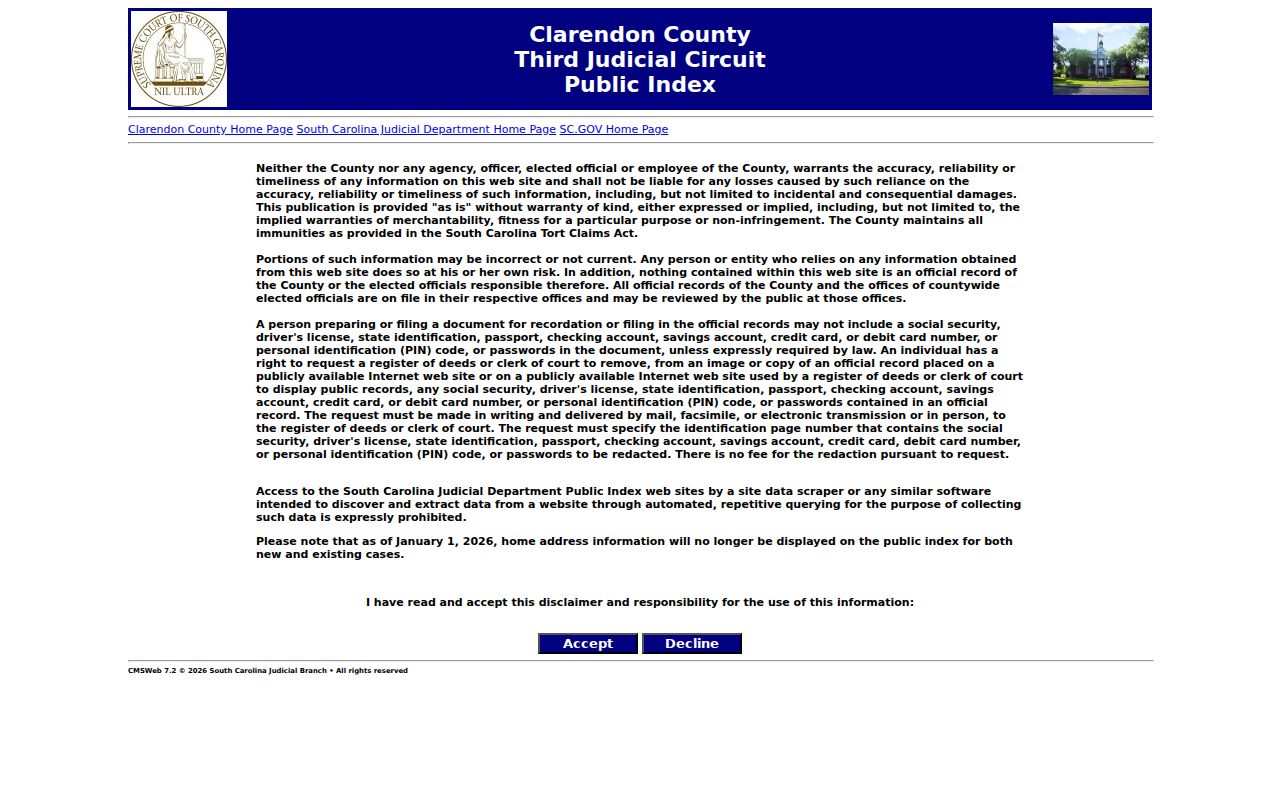
Use a court call to confirm anything the case index does not show.
Clarendon County Warrant Search Fields
The state ticket tool exposes three distinct routes. A citation search needs its citation number. A driver’s-license search pairs the license number with the state. A name search asks for first name, last name, and date of birth. The tool says some municipal traffic matters are included, but it does not claim to show every local bench warrant.
| Field Label | Type | Required | Notes |
|---|---|---|---|
| Citation Number | Text | Yes for citation route | Exact citation number is required. |
| Driver’s License | Text | Yes with State | Use only in the official search. |
| State | Select | Yes with license | The interface supplies the state selector. |
| First Name | Text | Yes with last name and DOB | Name route requires all three fields. |
| Last Name | Text | Yes with first name and DOB | Check the court and date to separate namesakes. |
| Date of Birth | Date/text | Yes with both names | Do not share outside a verified official channel. |
Clarendon County Ticket Search Needs Court Follow-Up
The ticket interface can help find a citation or payment entry. A ticket is not itself proof of a bench warrant, and a “no result” does not clear one. If a date was missed, call the Magistrate or municipal court named on the citation and ask whether the case requires an appearance or whether a bench-warrant event was entered.
The official interface exposes three search routes, not a person’s ticket. Use the field labels to select the appropriate route. Do not publish a driver’s license number, date of birth, home address, plate, citation, or private case narrative as an example.
After locating a ticket, ask the court which record controls the next step.
What a Warrant Search Returns
A court record may show the case type, filing event, charge, court, and disposition, while the warrant document or service status remains unavailable. South Carolina’s blank forms show fields that a warrant may carry, but they are not a Clarendon roster. A sample format helps identify the case structure without exposing private data.
| Case number | YYYYGS14##### is a General Sessions format example. |
|---|---|
| Charge | Offense title and statute or CDR code may appear. |
| Issuing court | Names the judge or court that controls the order. |
| Bond | Terms may be listed; an amount is not published for every case. |
| Return or status | Service, recall, or disposition requires court confirmation. |
The state CDR Codes page is a reference for offense-code values, not a Clarendon case or warrant list.
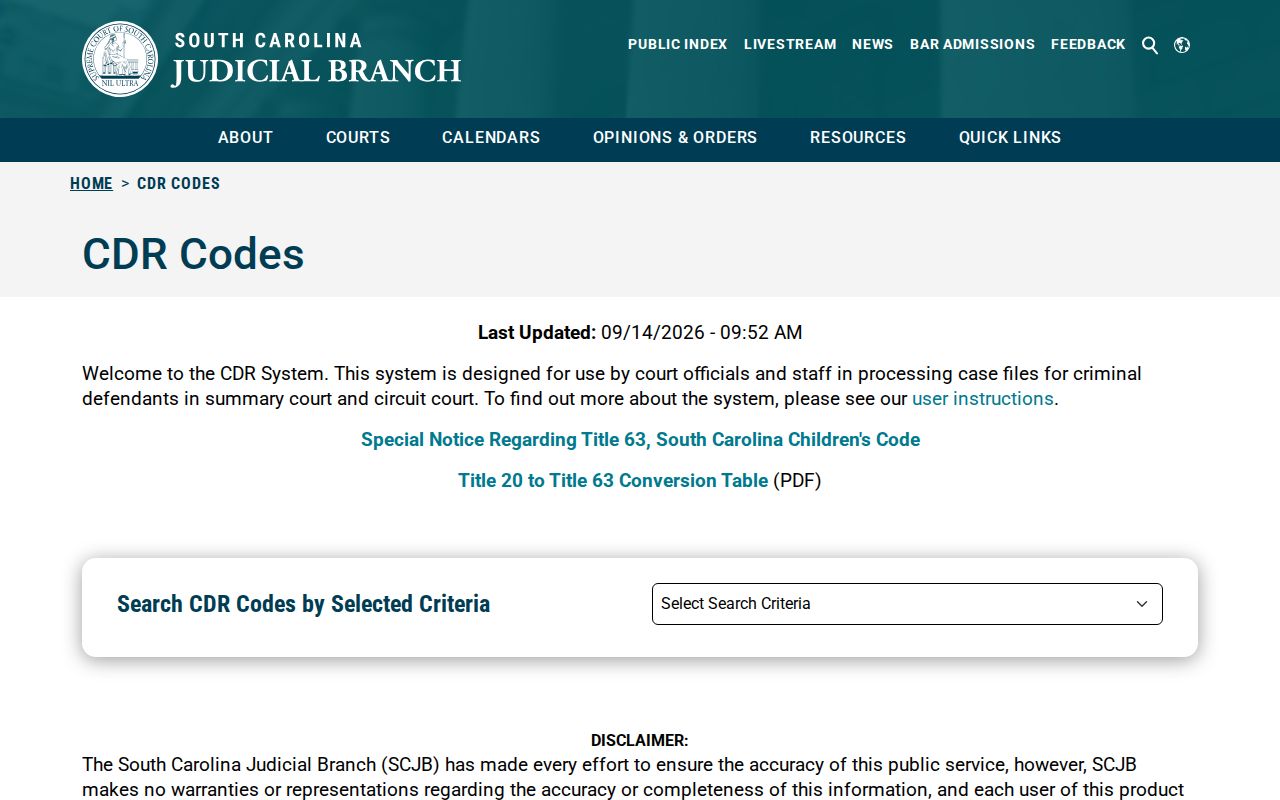
Use a code shown on a record as a clue, then ask the issuing court what it means in that case.
Clarendon County Results Can Miss Local Warrants
A court index can lag a new filing and omit sealed, confidential, or juvenile material. Municipal court details may remain with the town court. A warrant may also be in an internal law-enforcement system that has no public search screen. These gaps explain why a search result is a lead and why a clerk or judge must confirm the status.
For a General Sessions matter, contact the Clerk at 803-435-4443. For Magistrate Court, call 803-435-2670 or 803-435-8925. Manning Municipal Court is 803-433-0050; Summerton Municipal Court is 803-485-2525. Ask which court owns the case before relying on an entry.
Where Clarendon County Warrants Are Checked
General Sessions and Common Pleas records go through the Clarendon Clerk. Magistrate matters stay with the summary court unless the case moves to Circuit Court. Manning and Summerton ordinance and traffic warrants belong with their municipal courts. Family and child-support questions go to Family Court at 803-435-4210.
Call the Sheriff’s Office at 803-435-4414 for a service or records route, but the official site does not promise phone confirmation. South Carolina has no single public statewide warrant roster. For a Sheriff-held record, the sheriff FOIA page gives a written request address and fees.
Clarendon County Record Requests Need Detail
For an existing Sheriff-held record that is not online, write to the Sheriff’s Office, ATTN: Office of General Counsel, 217 Commerce Street, Manning, SC 29102. Name the record type, date range, court or agency, and case number if known. Request inspection or a copy, not a new database or legal opinion. The Sheriff posts ordinary copies at 30 cents per page, search and redaction at $20 per hour, and may require a deposit.
The image shows the official FOIA instructions. A request can be narrowed or redacted under state law, and the old county form fee footer may not match the Sheriff’s current schedule.
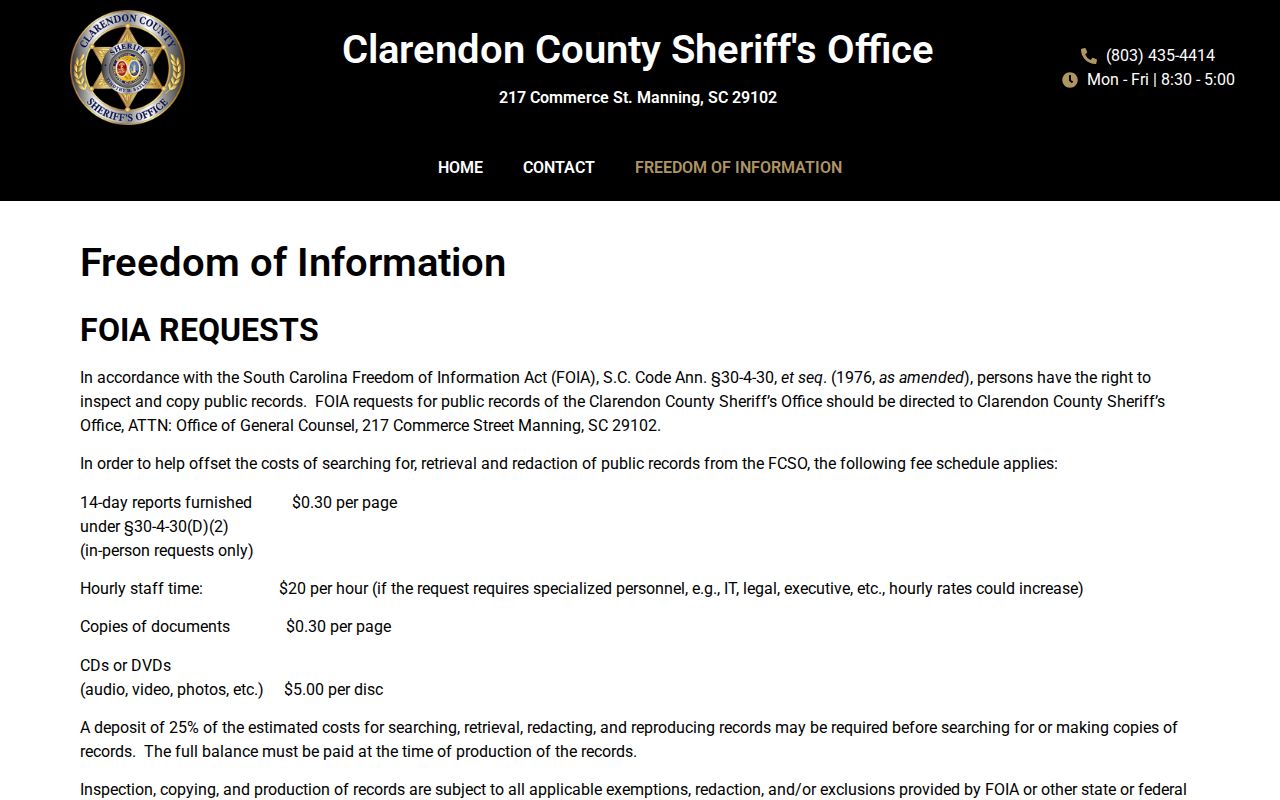
Ask the records office to confirm the current submission method before sending sensitive identifiers.
Access and Restricted Warrants
South Carolina FOIA provides public access subject to limits in S.C. Code Ann. §§30-4-30 and 30-4-40. A sealed filing, juvenile record, active investigation, or protected identifier may be withheld or partly redacted. The Public Index also warns that new entries can lag. Ask the issuing court what it can confirm instead of treating a missing result as a clearance.
Key Rules:
Sealed or confidential documents may not appear in the public index.
Juvenile records receive special confidentiality under South Carolina Title 63, Chapter 19.
A fresh filing or lower-court warrant may not show in a case search; confirm with the issuing court.
Clarendon County Names Need Court Checks
A name match is not enough to identify a case. Compare the court or town, approximate date, citation or case number, and charge category. Share a birth date only when the official system or verified court contact asks for it. Do not post or forward another person’s identifiers, address, plate, or case details.
If a relative is helping, have the person named on the case speak with the court when required. Ask which record can be shared, whether an appearance is needed, and where written instructions will appear. Keep a note of the office, date of the call, and any next step the court gives.